In today’s tutorial I will show you how to turn a cute squirrel into a Rambo squirrel. This tutorial can be a bit difficult for beginners but I will try to explain it the best I can. In this tutorial you will use the Warp and Clone Tools so be prepared for a heavy manipulation lesson.
In this tutorial I will show you how I created “A Life Of Aquatic Sounds”. We will realize it using a variety of blending mode tricks, photo filters and other useful Photoshop techniques
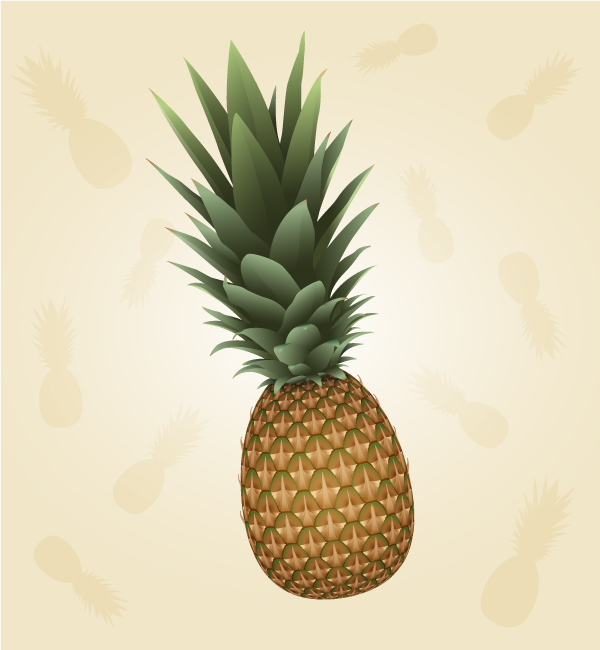
Learn how to easily draw a vector pineapple using the 3D Revolve effect, how to create the realistic texture and apply it with the Map Art option. This tutorial could also by a great way for you to practice your Pen Tool skills by drawing all the different leaves.
In this tutorial we will create a unique digital art piece that easily can be used for high-quality printing purposes. There is water, balloons, fish, vegetation, a gloomy passage and a fashion nerd — this can not be nothing but awesome together!
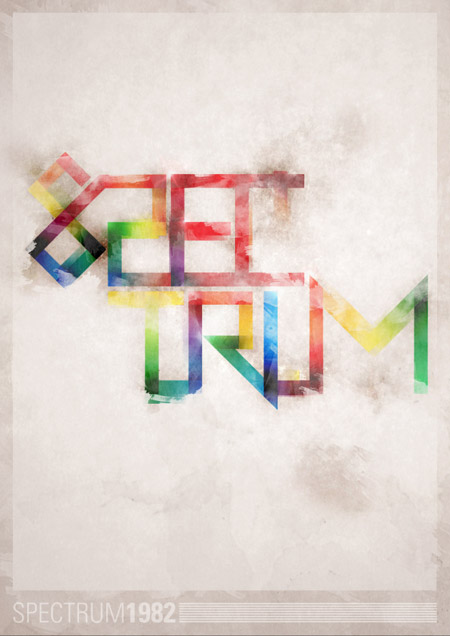
Follow this step by step walkthrough of my recent design process for the ‘Spectrum’ poster. Starting with custom made type in Illustrator, we’ll move our vector graphics into Photoshop for some serious distressing with Photoshop brushes, blending modes and more!
We have seen plenty of polar panorama photographs. This simple tutorial will show how to use the polar coordinates filter to create a polar panorama effect and also other cool tricks to enhance the beauty further.
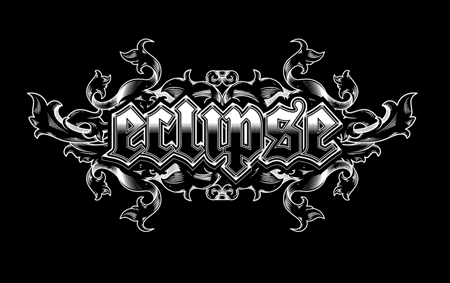
We’ll be customizing a black-letter font with various black and white elements and creating a range of tones with detailed line work to create a cool gothic style design that would be right at home as a logo for a heavy metal band or dark apparel brand.
In today’s tutorial we will demonstrate how to create a realistic coffee cup with a customizable label using smart objects in Photoshop. Let’s get started!
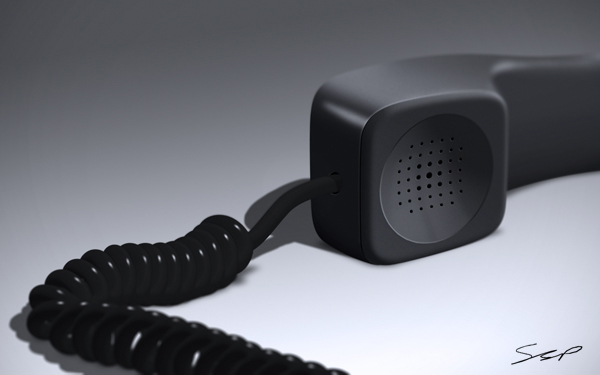
Given the right tools, Photoshop can make just about any task easy. Today’s tutorial will demonstrate how to create a still life telephone scene from scratch using the smudge tool. Let’s get started!
By Miriam Moshinsky
In today’s tutorial, I will demonstrate how to create a fantasy bird girl illustration using digital painting and photo manipulation techniques.
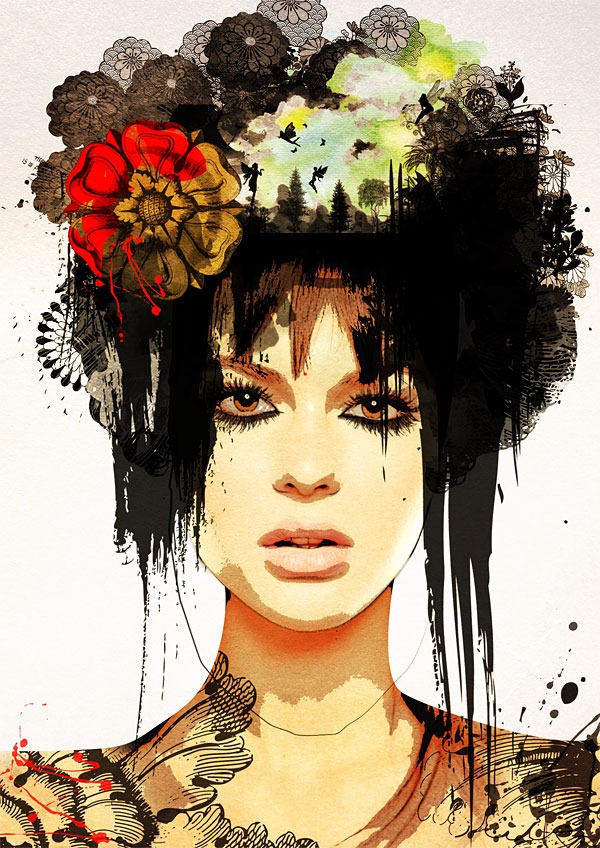
In today's tutorial we will combine surrealism and fashion effortlessly to create a state of art portrait. I'll show you how to achieve this essentially through a combination of photos, filters and brushes. You can then translate these techniques into your designs to add an artistic edge to them!
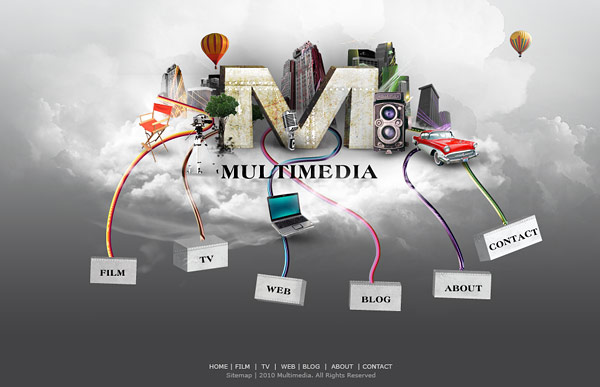
By : Carine Ma First impressions do count! Stunning our viewers with a visually compelling portfolio is one of the most important things that a designer can do to court a new client. Today we will demonstrate how to use photos, brushes, and textures, and 3D objects to design a creative multimedia website layout in Photoshop. Let’s get started!