!--LINK-OPACITY-STARTS-->

10 November 2009

The Making of “Constant Slip”

0 comments

by Wojciech Pijecki

Today I'll take you through the creative process of making intriguing light effects and applying them in your work. This is more a process description of making this illustration, than a detailed step by step how to. I'll give you some good guidance on how to deal with an illustration like this and cover the overall work flow.


09 November 2009

Create a Shiny Earth with Photoshop 3D Layers

0 comments
by: Eren Goksel
In this tutorial I'll show you how to create a shiny planet icon using the 3D features of Photoshop CS4 Extended. This will cover basic information about 3D layers and texture maps

Create a Steam Powered Typographic Treatment

0 comments

By Alex Beltechi

Part I

Part II


Rad Pattern in Illustrator that Makes you Dizzy

0 comments
By Fabio Sasso

in this tutorial I will show you how to create a rad pattern in Illustrator that will definitely make you dizzy. We will use basic tools such as Rectangle Tool, Ellipse Tool and the Blend Tool.


Extinction by Chanito

0 comments
by Chanito

In this tutorial he will show you how to create a good 3D type explosion with Adobe Illustrator, Cinema 4D and Adobe Photoshop

29 October 2009

A Picture Worth a Thousand Words

0 comments

By: Dave Cross

In this issue, we’re going to take a portrait and replace the person’s image with text (think 2009 Grammy posters).


25 September 2009

Create a Stunning Text on Wild Fire Effect

0 comments
by Johnson Koh

Fire text is one of the most classic technique that you can see in Photoshop tutorials.


X Textures

0 comments


Steampunk golden car Tutorial

0 comments

Great car vanishing tutorial by Alfoart


Best Fonts

0 comments

During my browsing for the web i found such great article .. By designreviver
About more than 1000 great font (Eng ) and many them can be used as decolaratives and illustrative techniques
Go and VISIt the SItE

Gradient Mesh Bell Pepper Tutorial

0 comments

Tutorial As PDF file
Great Illustrator Tutorial By Brooke Nuñez Fetissoff


21 September 2009

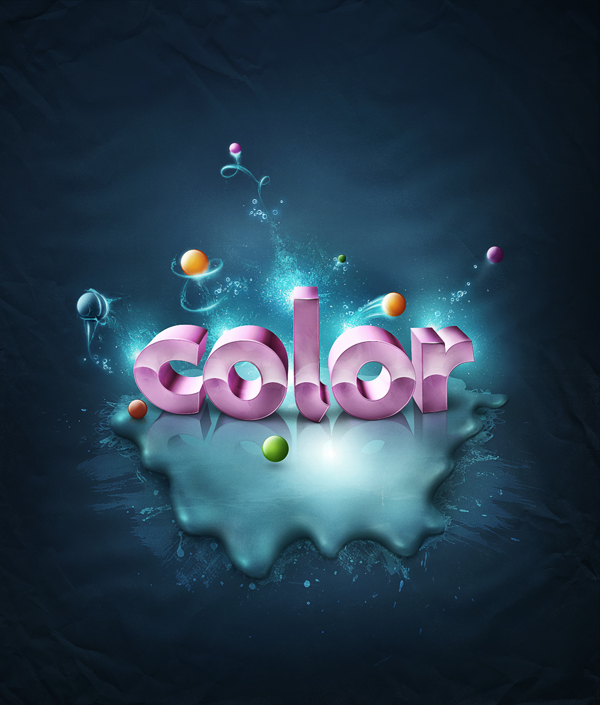
Add Fantastic Color to 3D Text – Part II

0 comments

by Wojciech Pijecki

This is the this last part of this two part tutorial on adding fantastic color to 3D text. In this tutorial, you will learn how to bring a simple text to life and place everything in fantastic, colored and glowing 3D space.


14 September 2009

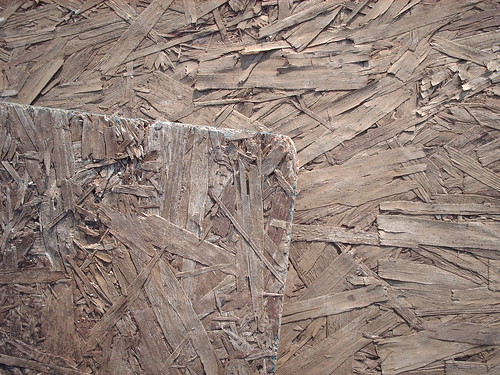
Decay Textures

0 comments


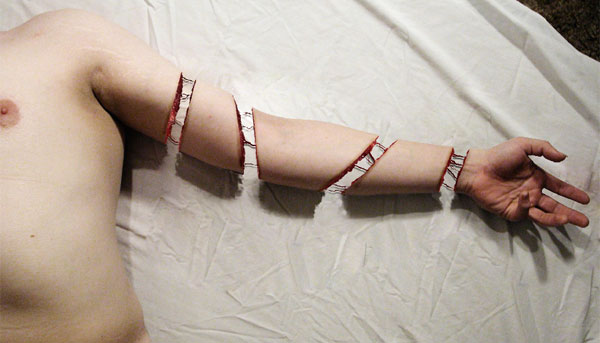
How to Create a Severed Arm in Photoshop

0 comments
by Simon Rudd
In this tutorial we will be learning how to create a severed arm with fleshy stumps and strings of sinew.

13 September 2009

Making of the Imaginary Paint Dancers

0 comments

by Johnson Koh
I came across the amazing set of Paint Tossing freebies from Media Militia the other day and thought that I must create some artwork with them. So I visited my favorite Mjranum’s stock gallery again and done up this tutorial. Hope you will like it.


Add Fantastic Color to 3D Text – Part I

0 comments

by Wojciech Pijecki

This is the first part of a two part series. Part two will be released tomorrow. In this piece you will learn how to bring a simple text to life and place everything in fantastic, colored and glowing 3D space. Some neat techniques covered here will allow you to bring your art to the next level. Don't miss it!


04 September 2009

Easy Space Scene in Pixelmator

0 comments

by abduzeedo


Shiny Calligraphy Text Effect in Photoshop

0 comments

by abduzeedo


High Res Wood Texture Pack

0 comments


Engraving Texture

0 comments


Blog Archive


Copyright 2009 All Rights Reserved Design by ThePharma-Shopist