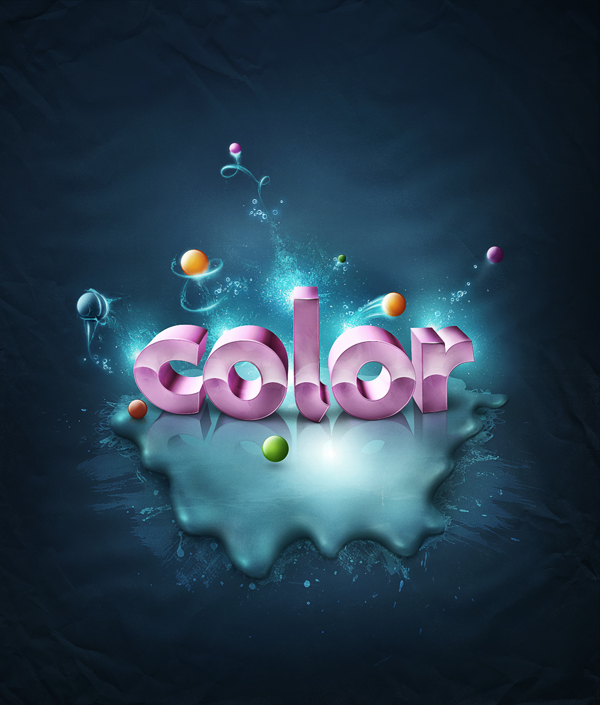
This is the this last part of this two part tutorial on adding fantastic color to 3D text. In this tutorial, you will learn how to bring a simple text to life and place everything in fantastic, colored and glowing 3D space.
15 November 2009
13 November 2009
10 November 2009
Design an Awesome Geometric Shaped Typography with Grungy Background in Photoshop
The Making of “Constant Slip”
by Wojciech Pijecki
Today I'll take you through the creative process of making intriguing light effects and applying them in your work. This is more a process description of making this illustration, than a detailed step by step how to. I'll give you some good guidance on how to deal with an illustration like this and cover the overall work flow.
09 November 2009
Create a Shiny Earth with Photoshop 3D Layers
Rad Pattern in Illustrator that Makes you Dizzy
Extinction by Chanito
29 October 2009
A Picture Worth a Thousand Words
25 September 2009
Create a Stunning Text on Wild Fire Effect
Best Fonts
During my browsing for the web i found such great article .. By designreviver
About more than 1000 great font (Eng ) and many them can be used as decolaratives and illustrative techniques
Go and VISIt the SItE
About more than 1000 great font (Eng ) and many them can be used as decolaratives and illustrative techniques
Go and VISIt the SItE
21 September 2009
14 September 2009
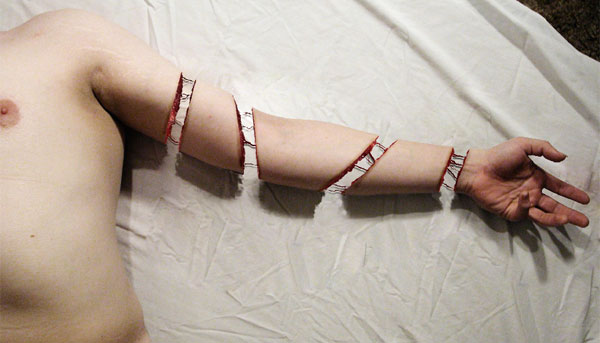
How to Create a Severed Arm in Photoshop
13 September 2009
Making of the Imaginary Paint Dancers
Add Fantastic Color to 3D Text – Part I
by Wojciech Pijecki
This is the first part of a two part series. Part two will be released tomorrow. In this piece you will learn how to bring a simple text to life and place everything in fantastic, colored and glowing 3D space. Some neat techniques covered here will allow you to bring your art to the next level. Don't miss it!
Subscribe to:
Posts (Atom)