!--LINK-OPACITY-STARTS-->

14 May 2009

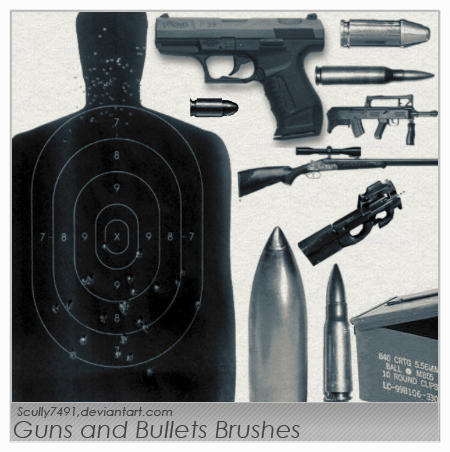
Guns and Bullets Brushes

0 comments


Squirrel Love Spirograph

0 comments
by Joe Guy Allard

File Type: EPS
License: Creative Commons


Create a Rain Effect in Flash Using ActionScript 3.0

0 comments
by Carlos Yanez

In this tutorial we'll create a dynamic rain effect using ActionScript 3.0. The effect can be customized in many ways by just changing a few lines of code. Let's get started!


13 May 2009

How to Create a Landscape Wallpaper for your Desktop

0 comments
by Brent Nelson
Want to spruce up your desktop and at the same time impress your friends? Why not create a vector landscape wallpaper? In this simple tutorial, you will learn how to create an eye-appealing wallpaper quickly and effectively. Let's get to it!

5 Free Vintage Wallpaper Textures

0 comments
This is a set of textures I've wanted to do for a long, long time. Unfortunately I don't have access to any cool, old wallpaper around here...so I just had to make my own.


12 May 2009

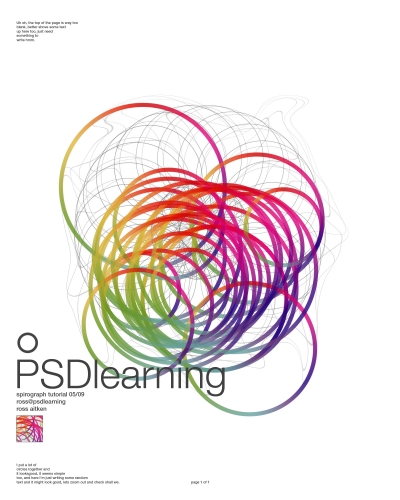
Colorful Spirograph Poster

0 comments

In this great tutorial we will be learning how to create a spirograph effect in Photoshop, yep that thing that you played with when your a kid that made you feel artistic. Then we’ll be using the effect to create a very stylish poster design with some smart typography and wait for it… rainbow gradients! So give it a try and I’m sure you’ll learn a bit.


Cloudy Text

0 comments
by Fabio Sasso

Following our Quick Tips series, in this tutorial I will show you how to create a text with clouds, using brushes and other few interesting light effects.


11 May 2009

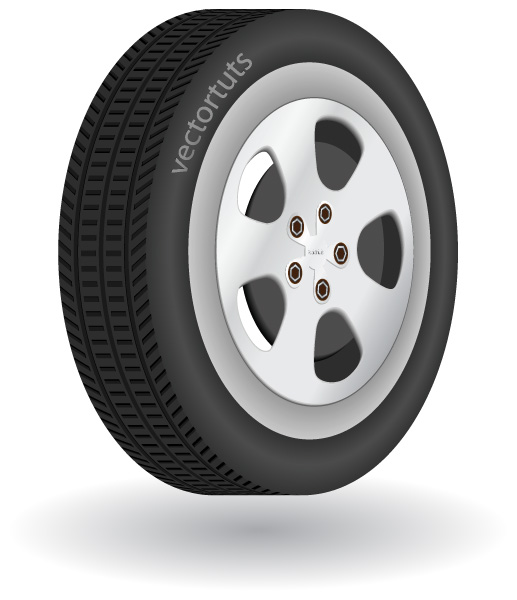
How to Make a Detailed 3D Vector Tire in Illustrator

0 comments

by Nuruzzaman Sheikh

In this tutorial, I will show you how to create a vector tire with very easy tools and techniques. The important and trickier part of this tutorial is the tire stripes, but we'll solve this simply and we'll give it a great final look. The tutorial instruction is provided in Adobe Illustrator CS3.


How to convert a photoshop mockup to xhtml / css

0 comments

Follow this walkthrough of coding up a graphical website layout into valid, standards compliant XHTML and CSS. Starting with the initial process of exporting the individual images from the Photoshop document through to building the complete page.


09 May 2009

Create a Game layout - Clan Layout

0 comments

In this tutorial you will learn how to create a nice looking game layout, or a clan layout.
If you love playing games and if you want to create a clan website together with your friends, then follow my tutorial and you will see how you can create a website like that.

How to Create a Sparkling Fantasy Photo Manipulation

0 comments

by Oliver Cereto

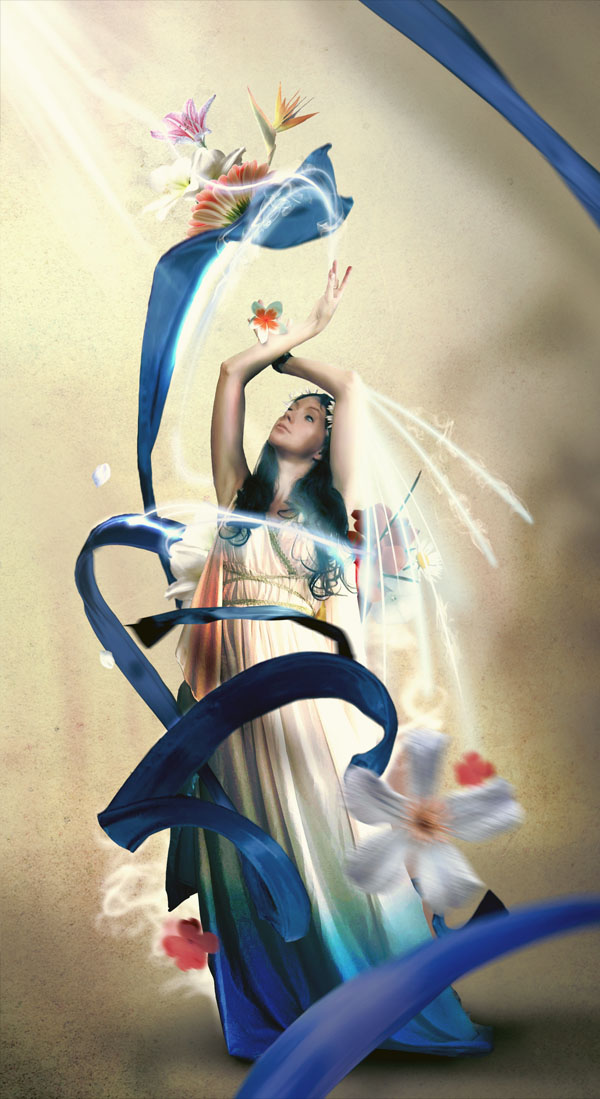
In this tutorial, we're going to create a photo manipulation using different techniques. We'll be adjusting each layer and element to make a compact final image. We'll be using multiple photos and a handful of effects to create this work.


Assemble a Nifty Twitter Widget using Flash and the Twitter API

0 comments

by Shane Johnson

Flash will work neatly in combination with the Twitter API to create a Twitter widget for any webpage. Follow Shane Johnson (@ultravisual) as he demonstrates building an interface, pulling in specific XML data and tackling cross-domain policy issues..

08 May 2009

Metal Texture Pack

0 comments


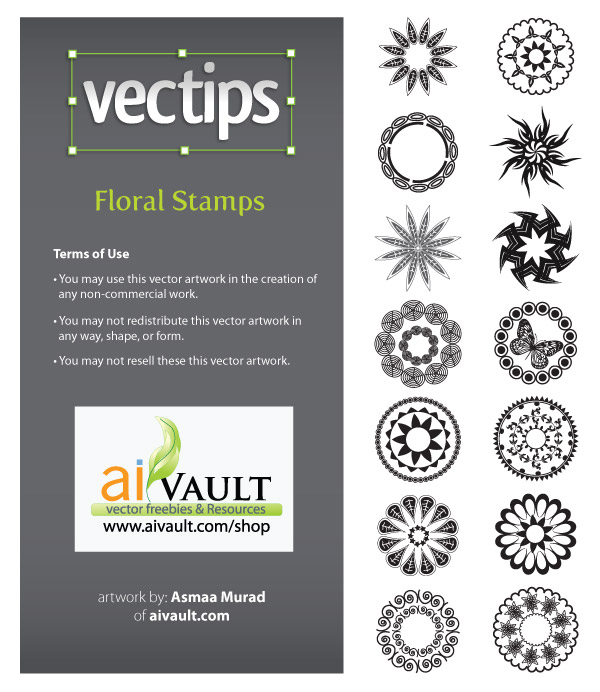
14 Exclusive Floral Stamps Vectors

0 comments


07 May 2009

Drip and Splatter Brushes

1 comments


Dry Erase Board Textures

1 comments


Fantastic Tree

0 comments

Great tutorial in alfoart.com
In this tutorial ,learn how to add special effect to your image with tree like face


06 May 2009

How to Create an Hourglass Icon in About an Hour

0 comments

by Sean Hodge
With simple shapes, gradients, and vector textures, this simple tutorial will show beginning illustrators how to create an hourglass icon.


How to Create a Richly Ornate Typographic Illustration

0 comments
by Alex Beltechi
When looking for top quality content, you're usually forced to pay for your resources. They're generally better and easier to work with, and offer a wider range of use.


Fake 3D in Photoshop

0 comments

by Dave Harfield
Nik Ainley talks us through creating fashionable 3D artwork without touching any rendering tools whatsoever


Blog Archive


Copyright 2009 All Rights Reserved Design by ThePharma-Shopist